
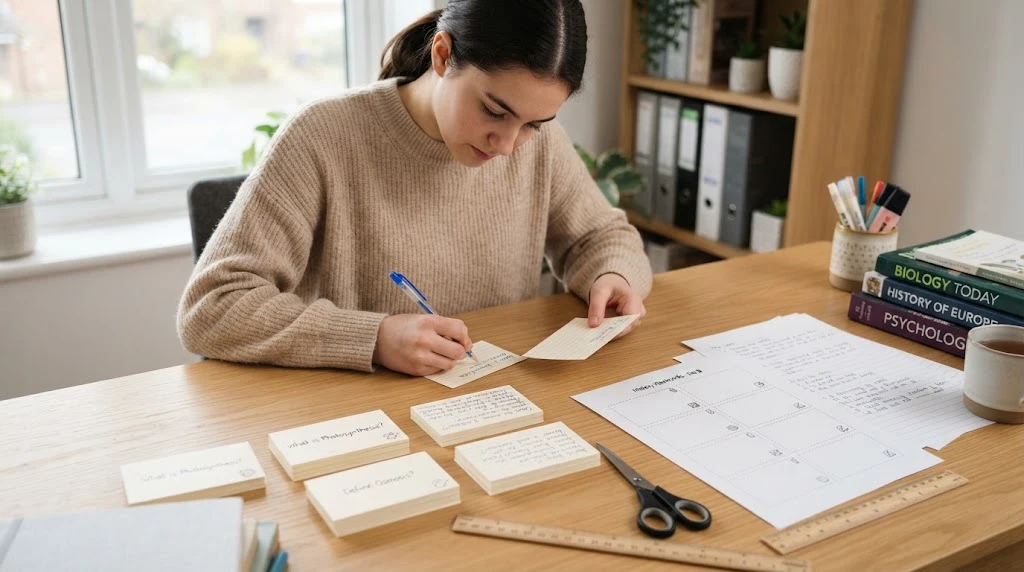
A set of printed flashcards begins with two decisions: what each card should ask, and how much room the answer needs. A vocabulary deck might use brief definitions, while a chemistry deck might need symbols and a short explanation. Choosing the content and layout together gives each card a clear job.
Before preparing a whole chapter, make a small sample. Choose five ideas that represent the material, including one with a longer answer. Use those examples to check whether the planned format suits the way you want to review.
Choose dimensions before filling the deck
Card dimensions affect writing space, portability, and storage. ScholarSail’s guide to flashcard sizes and dimensions compares formats including 3-by-5-inch and 4-by-6-inch cards. It also distinguishes standard card sizes from the dimensions produced by printable page grids. A sheet divided into eight cards will not necessarily produce standard index cards.
Think about where the finished deck will live. If you already have a storage box or binder pocket, measure it before choosing a layout. Leave enough space around the text that cutting slightly inside a line will not remove part of an answer.
Give each card one clear question
Use the front to ask for a specific response. A broad prompt such as “Photosynthesis” leaves the task open to interpretation. A question such as “Which gas do plants take in during photosynthesis?” makes the expected answer clearer. The back can give the answer followed by a brief explanation when useful.
For a longer topic, divide the material by question rather than by paragraph. One card might ask for a definition, another for an example, and another for the difference between related terms. This lets you check each idea separately instead of deciding whether a partially remembered paragraph counts as correct.
Keep useful context with the answer
Short answers still need enough context to make sense later. Spell out an unfamiliar abbreviation the first time it appears. Include units with a numerical answer and specify the conditions that make a statement true. If a course uses a particular definition, keep the wording consistent with the assigned material.
A small reference on the answer side can point back to a chapter, lecture date, or page number. That gives you somewhere to check an explanation when the card raises a question. Keep references separate from the answer so they do not become part of what you are trying to recall.
Prepare and test the printable layout
Once the sample is ready, ScholarSail’s printable flashcard template can produce blank cards or cards with typed fronts and backs. It offers four, six, eight, or ten cards per page, with printing, PDF saving, and Word download options. The backs are mirrored for two-sided printing, so the selected flip edge needs to match the printer setting.
Print one sample sheet before making the full set. Check that the text is comfortable to read and that each answer sits behind its question. Cut out a few cards and handle them as you would during review. This is the point to adjust wording, spacing, or the number of cards on a page.
Organize the deck for its next use
Label the finished set with the subject and topic. When several courses use similar terminology, include the course name on individual cards as well. Keep a place for cards that need correction, and update the saved document whenever you revise a printed answer.
During review, try answering before turning the card over. Set aside any prompt that feels ambiguous and rewrite it after the session. As the course develops, add new cards deliberately and remove duplicates. The deck can then remain a manageable collection of questions you actually want to practice.
